
A server in Rust
Each PTY is held as a line buffer rather than a process. Opening more terminals does not open more processes, which keeps memory use low.
A lightweight environment for leading several coding agents.
Claude Code and Codex are yours to run side by side, on a mother ship built for the developer who runs them. buster7 holds no model of its own, and never takes command of your agents.
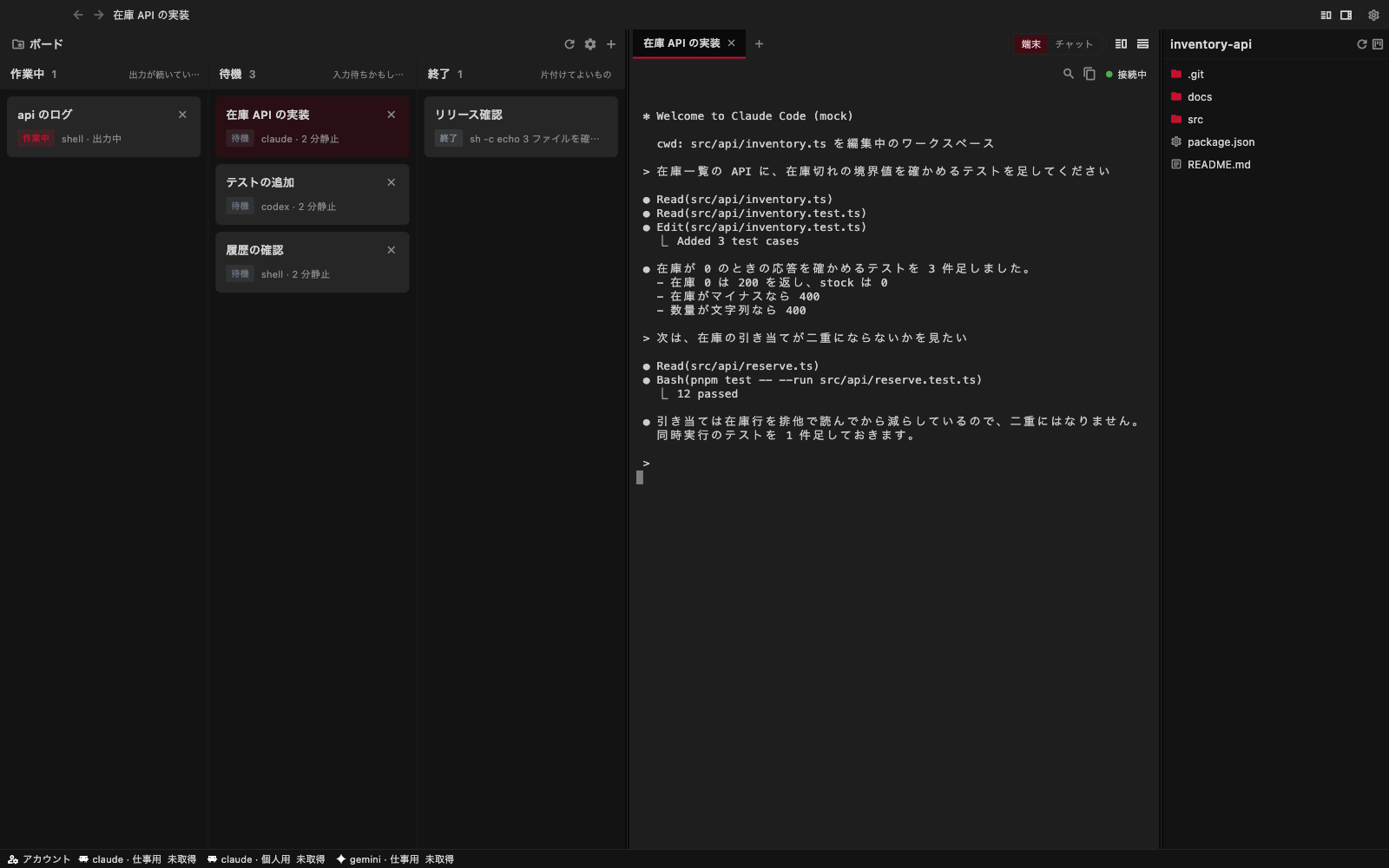
Run several agents at once and the tools in front of you grow heavier, and the waiting grows longer. If handing over more work only makes everything slower, handing it over loses its point. The problem, we decided, was not a missing feature but the structure, so we rebuilt it from the ground up.
| buster7 | |
|---|---|
| Memory | 147 MB / 2 processes |
| Of which the backend | Rust 6.1 MB |
Measured with 8 sessions, 3 claude processes, and one session under heavy load.
Each PTY is held as a line buffer rather than a process. Opening more terminals does not open more processes, which keeps memory use low.
It draws through the native GPU. One session per connection, with binary frames carried through unmodified.
Sessions are held on the server. Losing the connection does not stop the work, and you can connect from a Mac and a phone at once.
Working, waiting and finished sessions are visible at a glance, laid out as a kanban board.
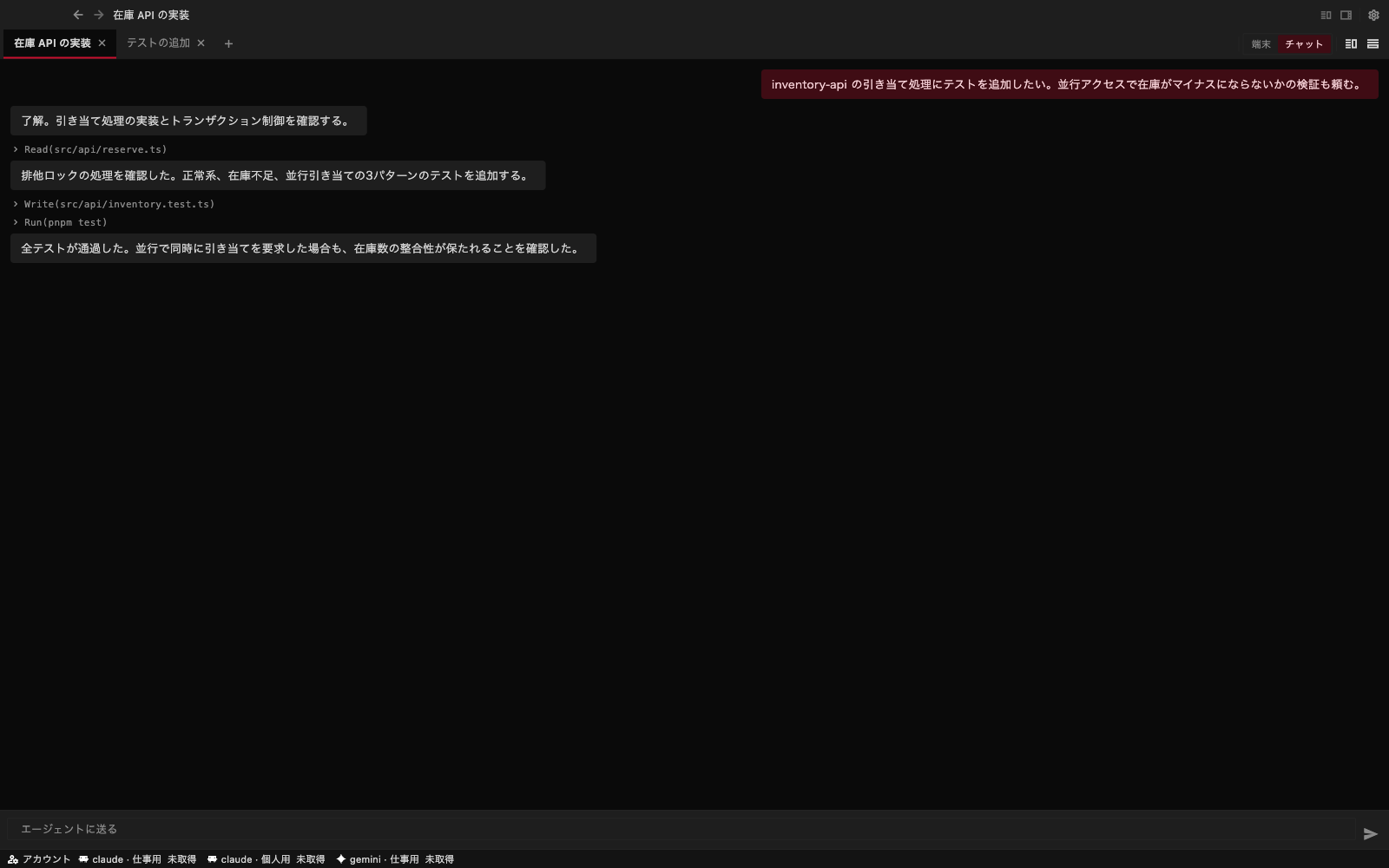
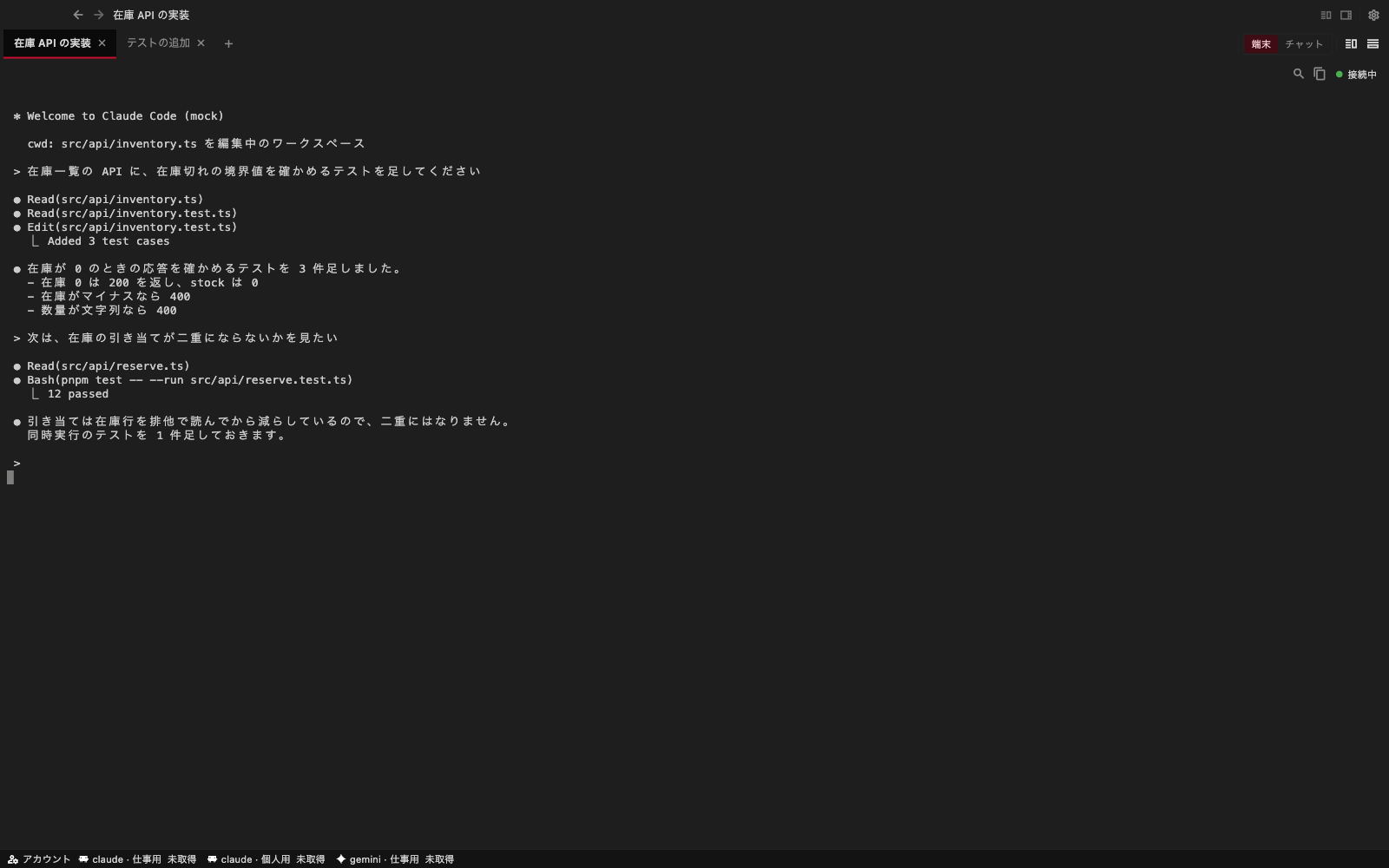
Switch between a terminal that drives the CLI TUI as it is, and a chat view drawn from structured messages.
Each tab is one session. Closing a tab asks first, so a session is never ended by mistake.
Touch and mouse get their own skeletons. Panes fold away when the window is narrow.
A file explorer sits beside the terminal. Click a path printed in the terminal to open it.
Agents drive buster7 with the b7 command, or through 21 tools exposed over MCP.
You can connect from the macOS client today (the iOS app is not distributed yet).We use buster7 to build buster7.
A free build for macOS on Apple Silicon is available now. Unresolved problems remain, including terminal drawing and Japanese input.
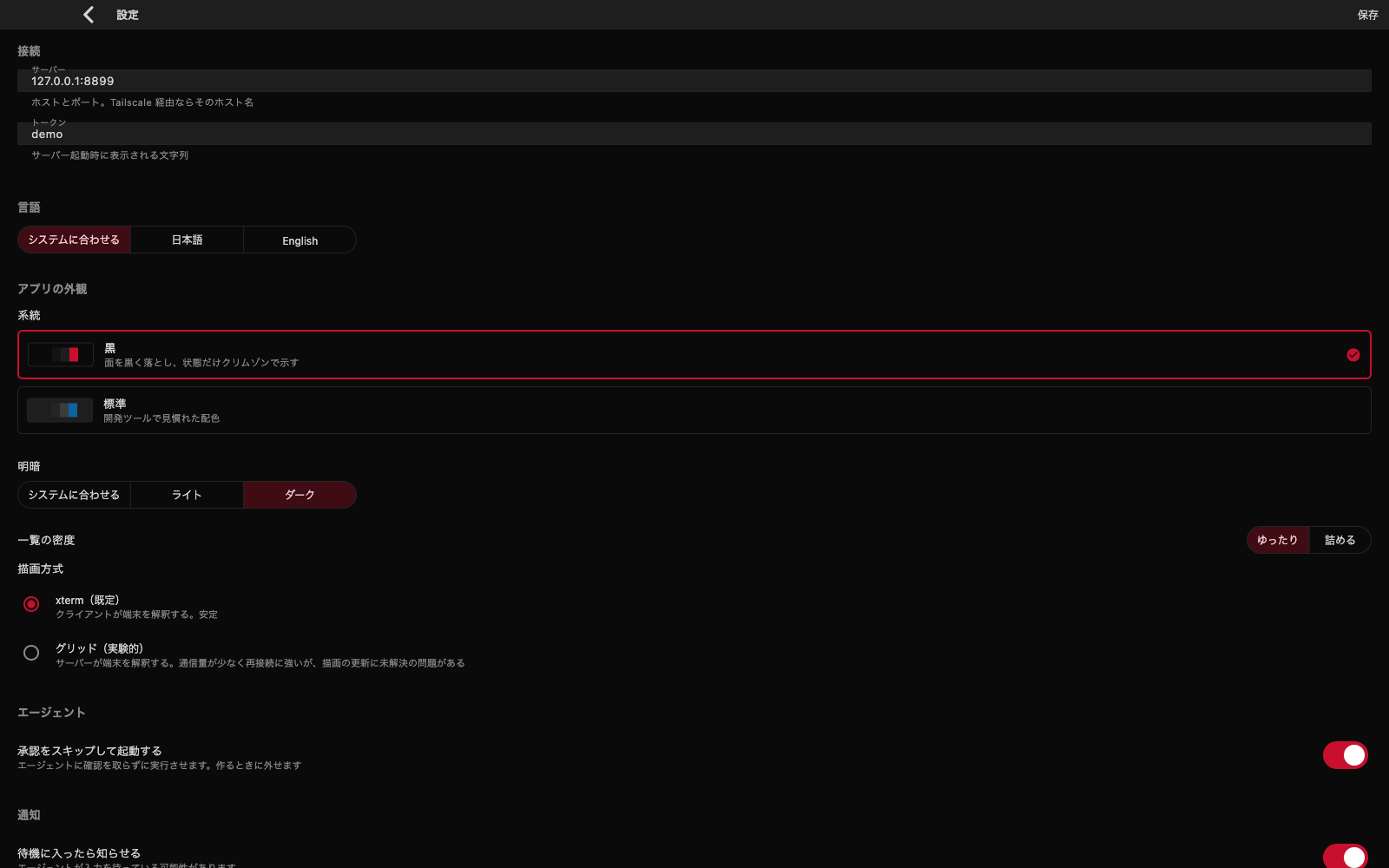
The zip includes the app, local server, and CLI. Launch the bundled server to get started.
macOS (Apple Silicon / M series) · 13 MB
macOS will show an unverified developer warning on first launch. Right-click the app and choose “Open”.
The user documentation explains how to use it.