Troubleshooting
When it will not connect, when the display is scrambled, and the limits we know about
The app will not connect to the server
- Check that the server is running (it prints
listening on ...on startup) - Check that Server in Settings matches the address the server printed
- Check that Token matches the string the server printed
- When connecting from another machine, check that the server was started with a listening address such as
--bind 0.0.0.0:8787
To see where b7 would connect, run b7 server status.
The terminal display is scrambled, or keys do not show up
Put the renderer in Settings back to xterm. The sessions stay on the server, so switching does not lose any work.
The experimental Grid renderer has open problems: keys that do not reach the screen, and Codex borders that do not appear.
If the display breaks after switching tabs or workspaces, choose Help › Save Terminal Trace from the menu right away. It saves the screen at that moment and what the terminal received before it, which helps find the cause. The saved files contain what was in the terminal, so share only the parts that are needed.
Japanese input is sometimes unstable
The problem where input stopped after confirming 。 or 、 in the terminal is fixed. The general instability of Japanese input, however (characters dropped, conversion scrambled), is not understood and is still under investigation. If you can reproduce it, telling us what you were doing at the time helps.
With Codex, the terminal and the chat do not share a conversation
Codex cannot have one conversation open in two places at once, so the Codex chat holds a separate conversation from the terminal. This is by design. With Claude Code you can move between the terminal and the chat in one conversation.
A session disappeared
On startup, the server stands back up the sessions that were running before. It
does not when it is started with --no-restore. The record of the sessions stays
in a file on the server.
An agent exits right after it opens
When claude or codex exits right away, a "It exited right away. Possible causes" banner appears above the terminal. Follow the steps it shows (check where the CLI is installed, sign in, update to a newer version, and so on), then open it again.
If no banner appears, or you want to check before opening, run b7 doctor in a terminal. For
each account, it checks whether the CLI is found, its version, and whether you are signed in,
under the same conditions as the buster7 terminal. If problems is empty, it should start.
A phone will not connect
From an iPhone or iPad, even on the same network, the server has to listen on a
different address (--bind 0.0.0.0:8787). To use it from outside, set up a
tunnel such as a VPN and put that host name in the settings.
127.0.0.1 and localhost point to the phone itself, so they do not work from a
phone. Enter the IP address or host name of the machine running the server.
In the connection settings, "Test connection" tells you what to check.
Limits we know about
- Only the macOS (Apple Silicon) build is distributed. The iOS app is not out yet
- The Windows and Linux apps are untested. They are built to run, but we have no record of trying them
- Android is untested. It is part of the project
- There are reports that the app freezes when the window is made narrow. We have not reproduced it locally and are still investigating
A record of what went wrong is useful to development. Tell us in a form where the steps to reproduce it are clear.
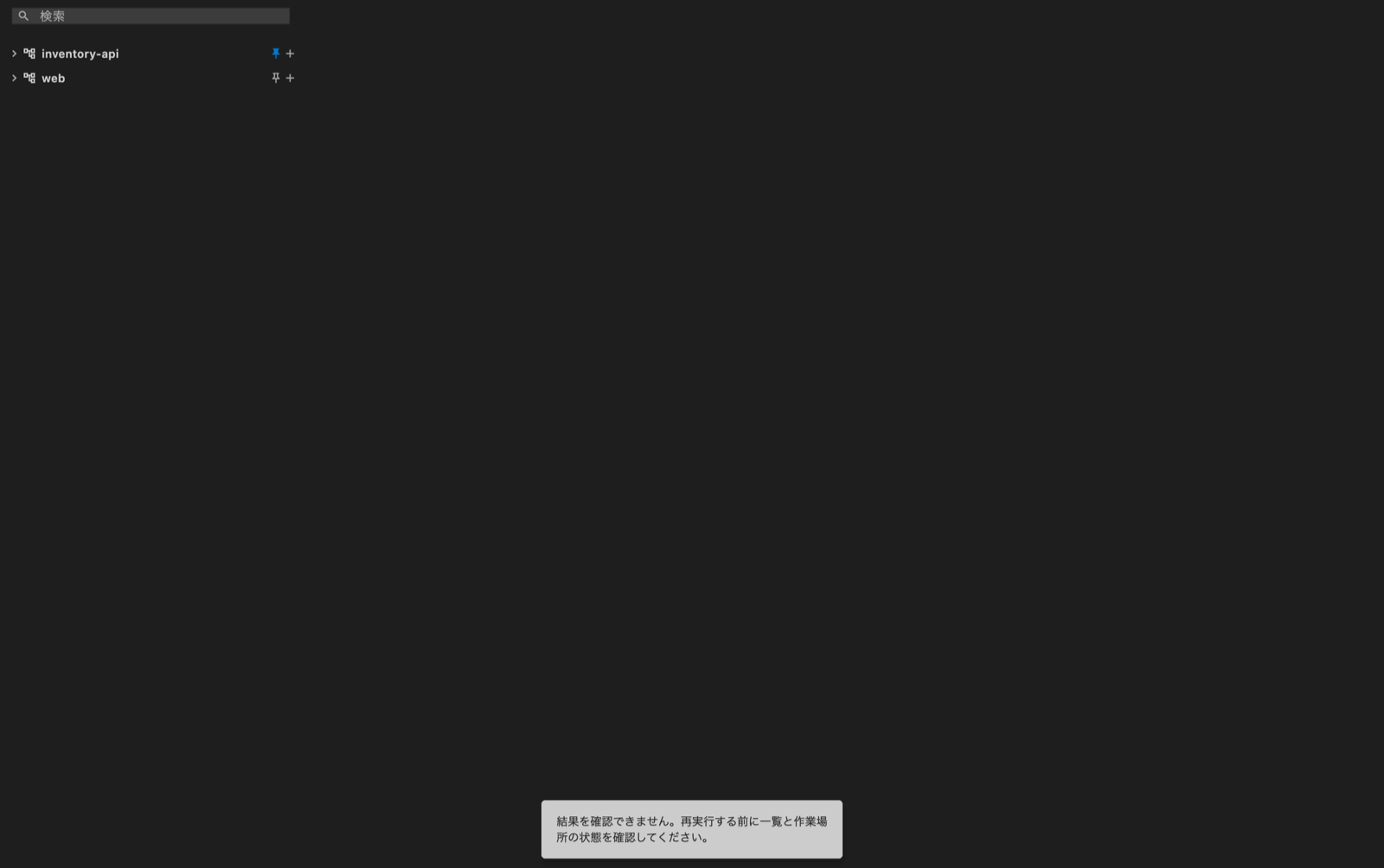
An operation result could not be confirmed
If a response is lost while adding, pinning or reordering a project, or creating or deleting a workspace, the app asks you to check the result. Refresh the list and check the workspace before repeating the operation: it may already have completed.