Flagship agent
Coordinate work across your projects
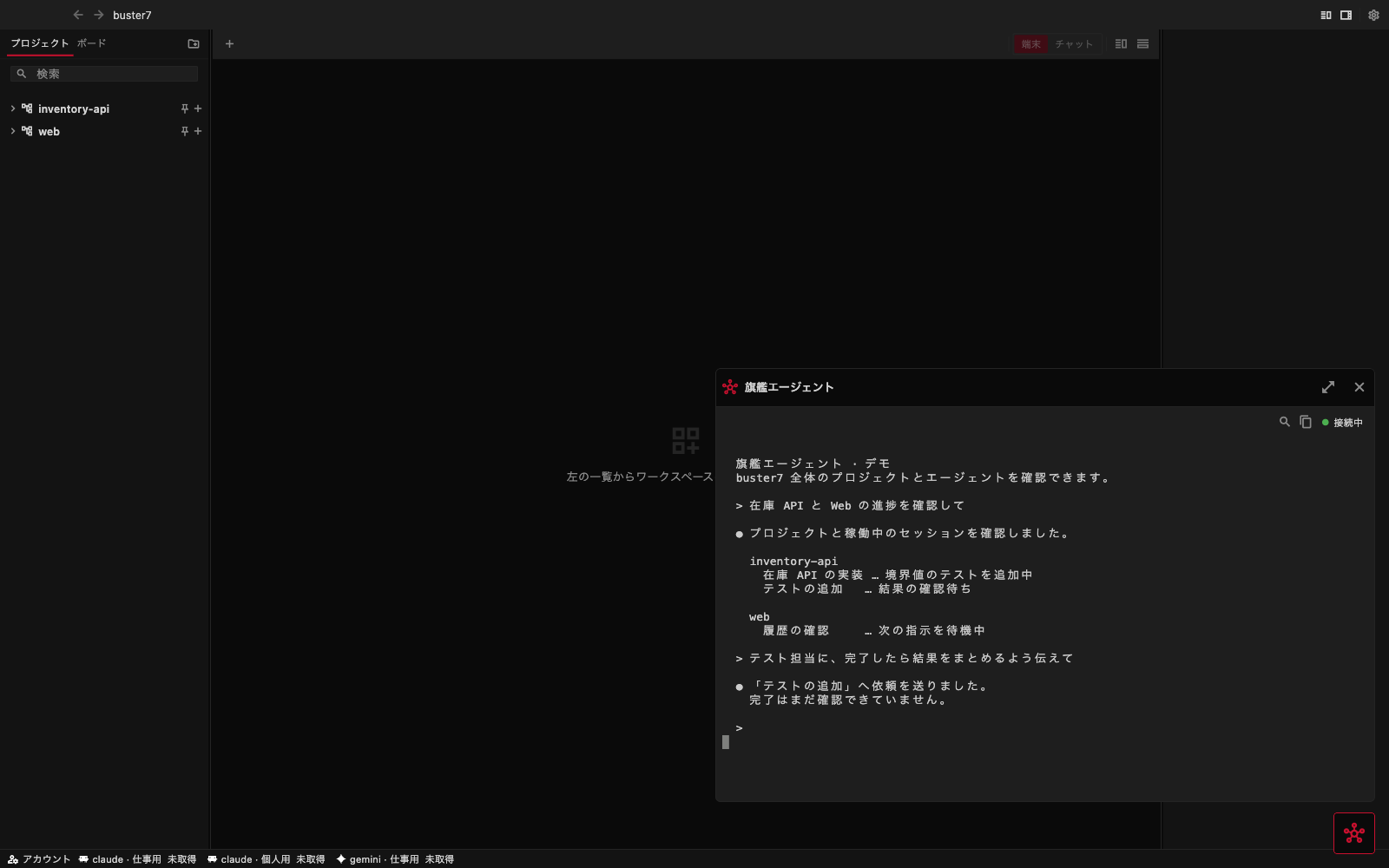
Use the button in the bottom-right corner to open the flagship agent's terminal. Ask it to check project progress, send a task to an agent, or read an agent's results.
Open and hide
Use the bottom-right button to open the panel. Use the × at the top or the same button to hide it. Work continues while the panel is hidden. Opening it again returns to the same conversation, including after you switch projects. Use the expand button to make more room for long output.
First use
The flagship currently uses Claude Code. Sign in to Claude Code on the machine running your server. If a trust prompt appears, review it and respond in the terminal.
The flagship can operate the projects and sessions registered with the connected server. Name the intended project or agent, and check whether its reply confirms that a request was sent or that the work was completed.
Connection problems
Check your server connection and that Claude Code and b7 are installed on the server, then select Reconnect. If the flagship session has ended, hide and reopen the panel to start it again.