Terminal
A window onto the CLI TUI, exactly as it is
The terminal is a window that shows the Claude Code or Codex TUI as it is. It draws what the agent draws, colours and all.
Giving it room
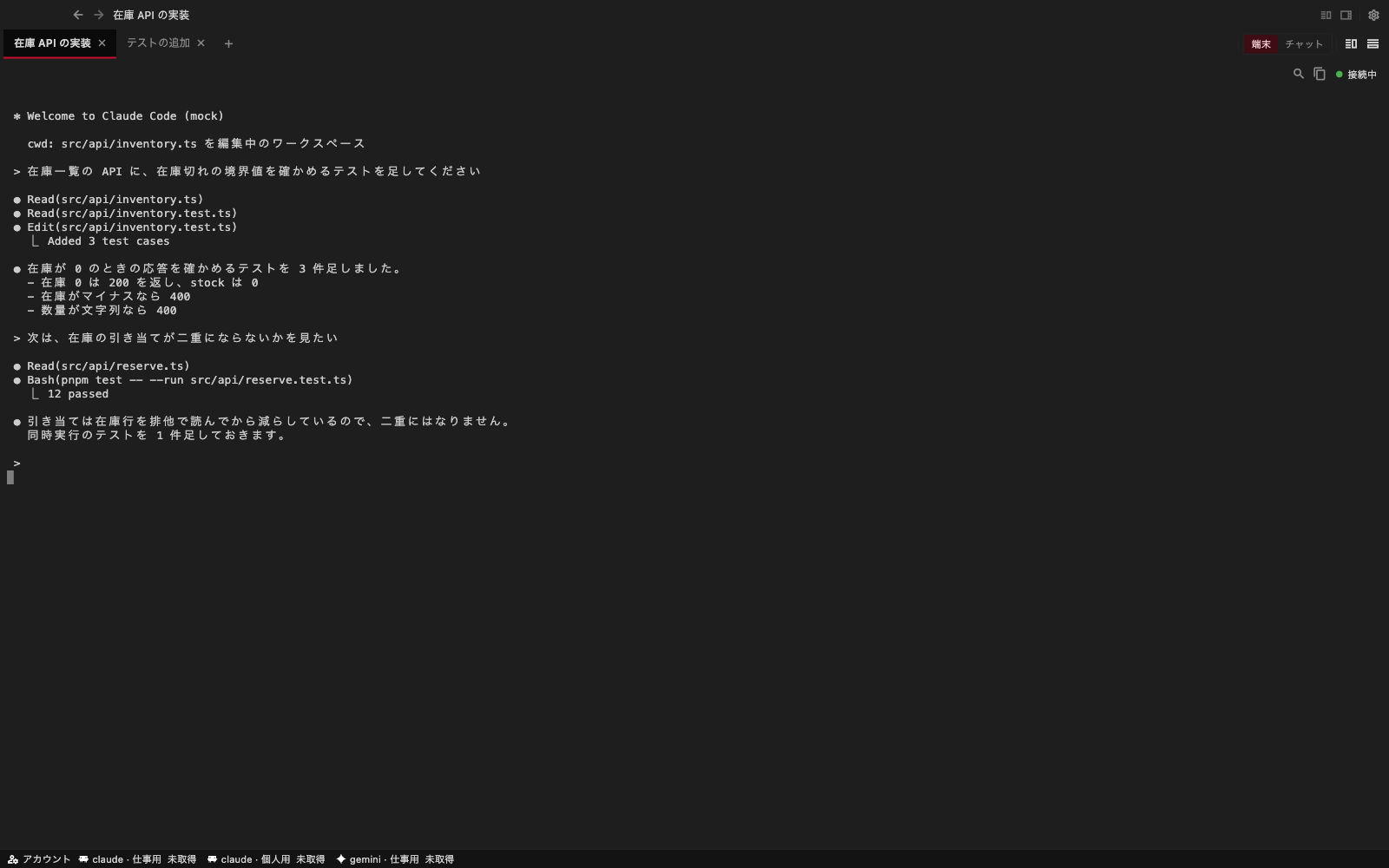
Fold away the board on the left and the files on the right, and the terminal takes the space they used. This is handy for reading long logs or diffs. The terminal can also be split left and right to sit two side by side.
Controls
The bar above the terminal holds the controls you reach for most.
| Control | What it does |
|---|---|
| Search | Finds text in the screen and the scrollback (Cmd+F) |
| Copy | Copies the selection (Cmd+C) |
| State | The state of the session (working / waiting / finished) |
Starting a new line in the input box
In the Claude Code and Codex input box, Shift+Enter starts a new line. Plain
Enter sends. The chat input box works the same way.
Right-clicking
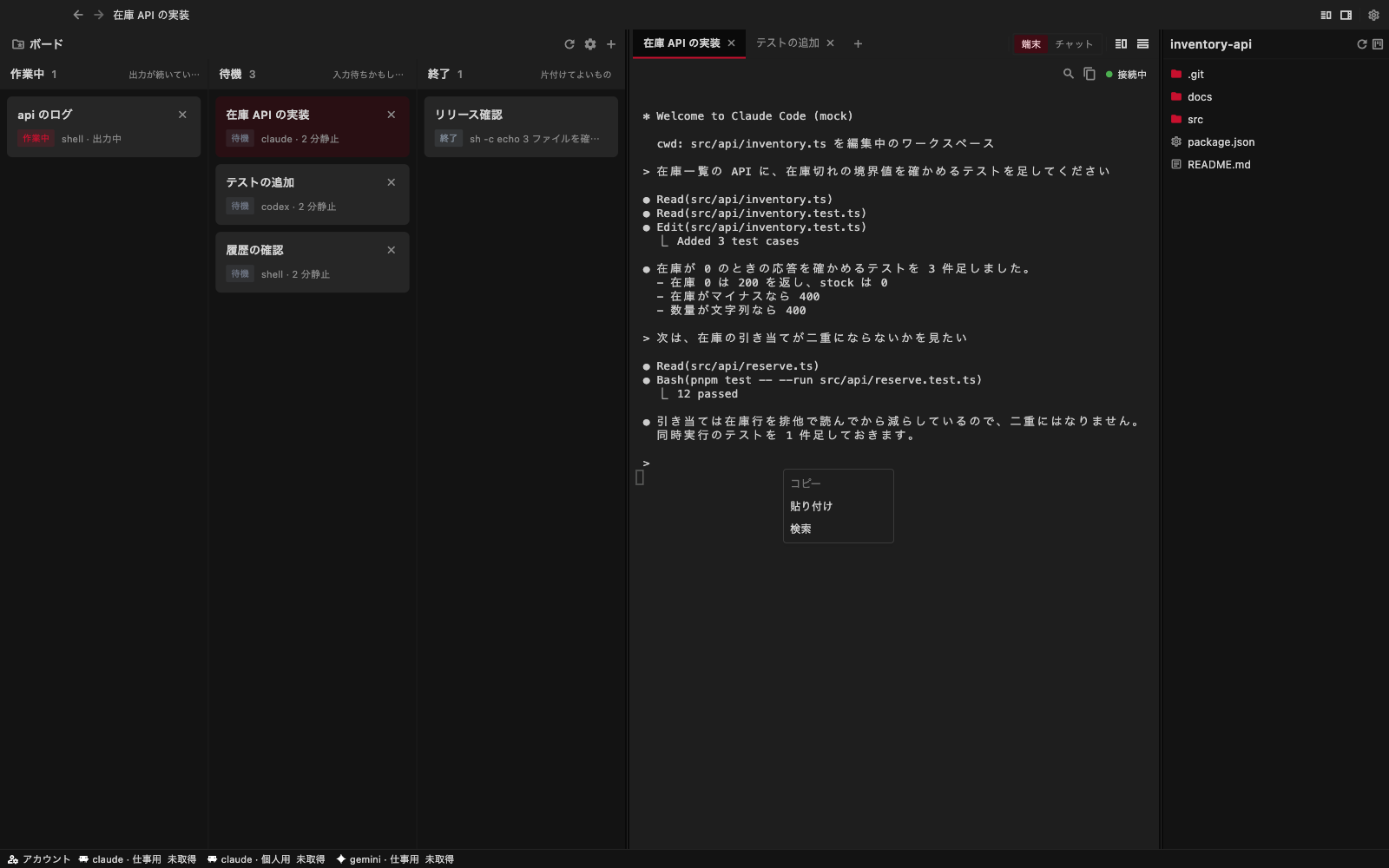
Right-click the terminal to choose copy, paste, or search. Copy is available while you have text selected.
Opening paths and URLs
Click a file path printed in the terminal to open it in a tab. If it is
already open, its existing tab is selected. Paths such as src/main.rs:42
are accepted, but jumping to the line is not yet supported. Unicode paths
and quoted paths containing spaces are supported. A URL starting with
http:// or https:// opens in your default browser.
Dropping files
Drag one or more files from your computer onto the terminal to insert their paths. Spaces and quotes are safely quoted. Nothing is submitted automatically; review the input before pressing Enter. Files are not uploaded when you are connected to another computer.
Adjusting the display
Font size, line height, font, and colour scheme are set under Terminal in Settings.
There are two ways to draw the terminal.
- xterm (default) — the app interprets the terminal and draws it
- Grid (experimental) — the server interprets it and the app draws the result. It survives reconnects better and uses less bandwidth, but it still has open problems
If the display is scrambled, or typed keys do not show up on screen, first put the renderer back to xterm.
On a phone or a tablet
On touch devices, a row of helper keys (Esc, Tab, Ctrl, arrows and so on) sits below the terminal, so that the TUI can be driven through even without a keyboard.